
4.7 KiB
NETGEAR R6400v2 设备实战
dreamingctf 来源:https://www.iotsec-zone.com/article/159
主要内容: 一、FirmAE 介绍 二、IOTScope 介绍 三、实验案例:NETGEAR R6400v2 设备实战 四、附件说明 五、参考文献
一、FirmAE 介绍 FirmAE 是综合性的模拟固件的模拟器,可以对主流的设备厂商的固件进行自动化模拟 论文:FirmAE: Towards Large-Scale Emulation of IoT Firmware for Dynamic Analysis github链接:https://github.com/pr0v3rbs/FirmAE 使用说明: check的使用模式:sudo ./run.sh -c dir645 ./firmwares/DIR645A1_FW102B08.bin analyze的使用模式:sudo ./run.sh -a dir645 ./firmwares/DIR645A1_FW102B08.bin run的使用模式:sudo ./run.sh -r dir645 ./firmwares/DIR645A1_FW102B08.bin debug的使用模式:sudo ./run.sh -d dir645 ./firmwares/DIR645A1_FW102B08.bin
二、IOTScope 介绍 IOTScope 对模拟起来的固件进行 web 端的漏洞挖掘 论文:Game of Hide and Seek Exposing Hidden Interfaces in Embedded Web Applications of IoT Devices github链接:https://github.com/botao21/IOTScope 使用说明:(PS)每个文件都需要修改 vms 和 list,具体命令见如下案例
三、NETGEAR R6400v2 设备实战
这是一台真实设备,我们在不知道用户名密码的情况下,可通过 FirmAE 和 IoTScope 两个工具,利用未授权访问,得到某些设备信息
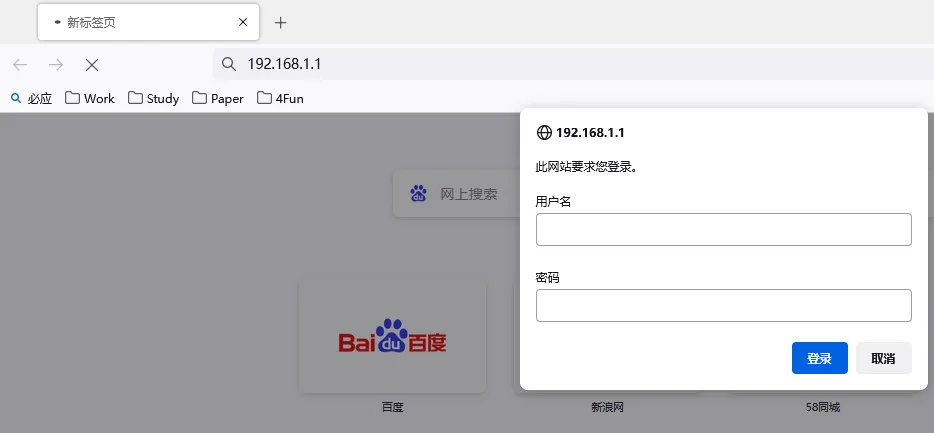 在无设备的情况下,需要去下载 NETGEAR 的相关固件,并用 FirmAE 进行固件模拟
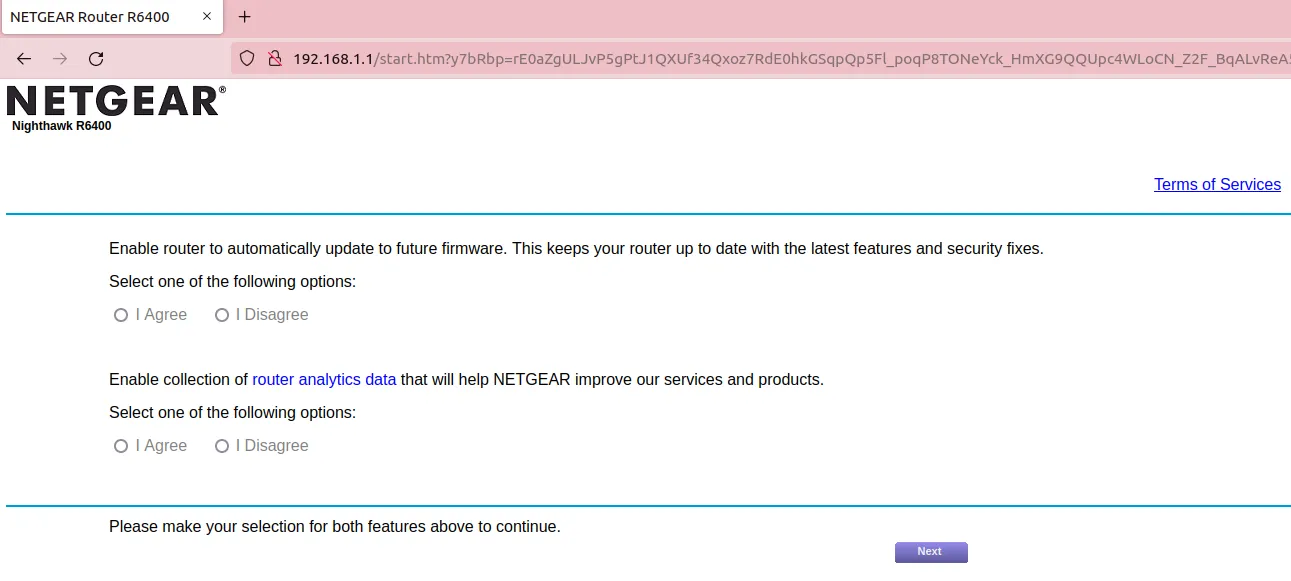
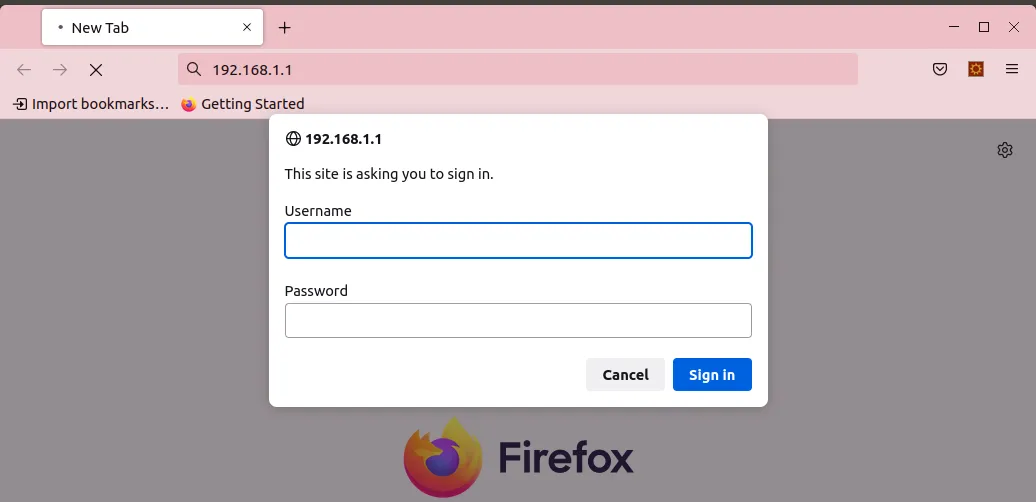
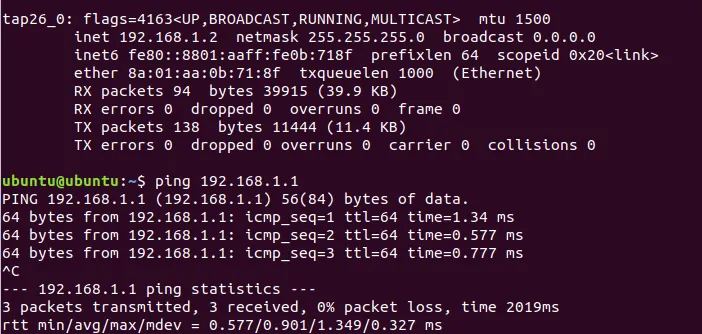 在有设备的情况下,直接按照 IoTScope 的流程进行:假设不知道账号密码(当有真实设备的时候,是可以直接使用恢复出厂设置,看到默认账户密码的)
 第一步,使用 init.py 对固件进行解压等操作(部分截图)
 第二步,运行 enumerate
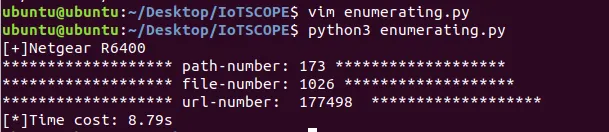 第三步,运行 delivering,部分的日志如下
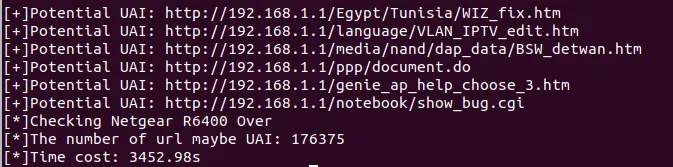 可以看到,IoTScope运行了约1个小时,扫描了 17w 左右的 URL 项
第四步,运行 identifyingUnprotected.py,生成 uai.txt
可以看到,IoTScope运行了约1个小时,扫描了 17w 左右的 URL 项
第四步,运行 identifyingUnprotected.py,生成 uai.txt
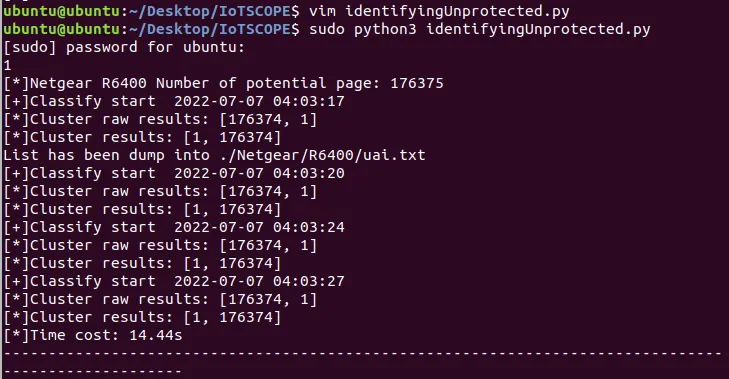 第五步,运行 dbAssistant.py,生成数据库文件
 第六步,运行 identifyingHidden.py,生成 PotentialExists.txt,部分结果如下
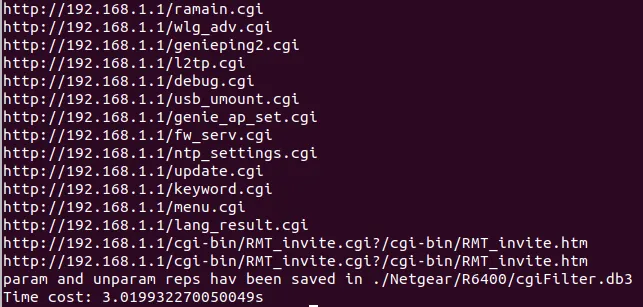
结果如下:
potentialExist.txt Netgear R6400 potential exist count: 1 http://192.168.1.1/currentsetting.htm
非授权访问可看到如下信息
 至于更为精确打击的 RCE 之类的漏洞,就需要进一步的挖掘
当然,可以寻找到大规模的固件设备进行模拟并分析,也会有许多可能的漏洞
至于更为精确打击的 RCE 之类的漏洞,就需要进一步的挖掘
当然,可以寻找到大规模的固件设备进行模拟并分析,也会有许多可能的漏洞
四、附件说明 zip.zip中包含如下文件: FirmAE论文细节讲解PPT+源码分析 IOTScope论文细节讲解PPT+源码分析 IOTScope修改后的代码,可运行
五、相关链接 1)FirmAE引用:Kim M, Kim D, Kim E, et al. Firmae: Towards large-scale emulation of iot firmware for dynamic analysis[C]//Annual Computer Security Applications Conference. 2020: 733-745. 2)IOTScope引用:Xie W, Chen J, Wang Z, et al. Game of Hide-and-Seek: Exposing Hidden Interfaces in Embedded Web Applications of IoT Devices[C]//Proceedings of the ACM Web Conference 2022. 2022: 524-532. 3)固件下载地址 https://drivers.softpedia.com/get/Router-Switch-Access-Point/ http://ftp.ufanet.ru/pub/firmware/Tp-Link/ http://files.dlink.com.au/products/ https://kb.netgear.com/000062416/R6400v2-Firmware-Version-1-0-4-102 https://drivers.softpedia.com/get/Router-Switch-Access-Point/NETGEAR/NETGEAR-R6400v2-Router-Firmware-1-0-4-102.shtml